


Casino and sports with ViciBet
Explore ViciBet










Payments



Providers






Put ViciBet on Your Phone without Losing Account Controls
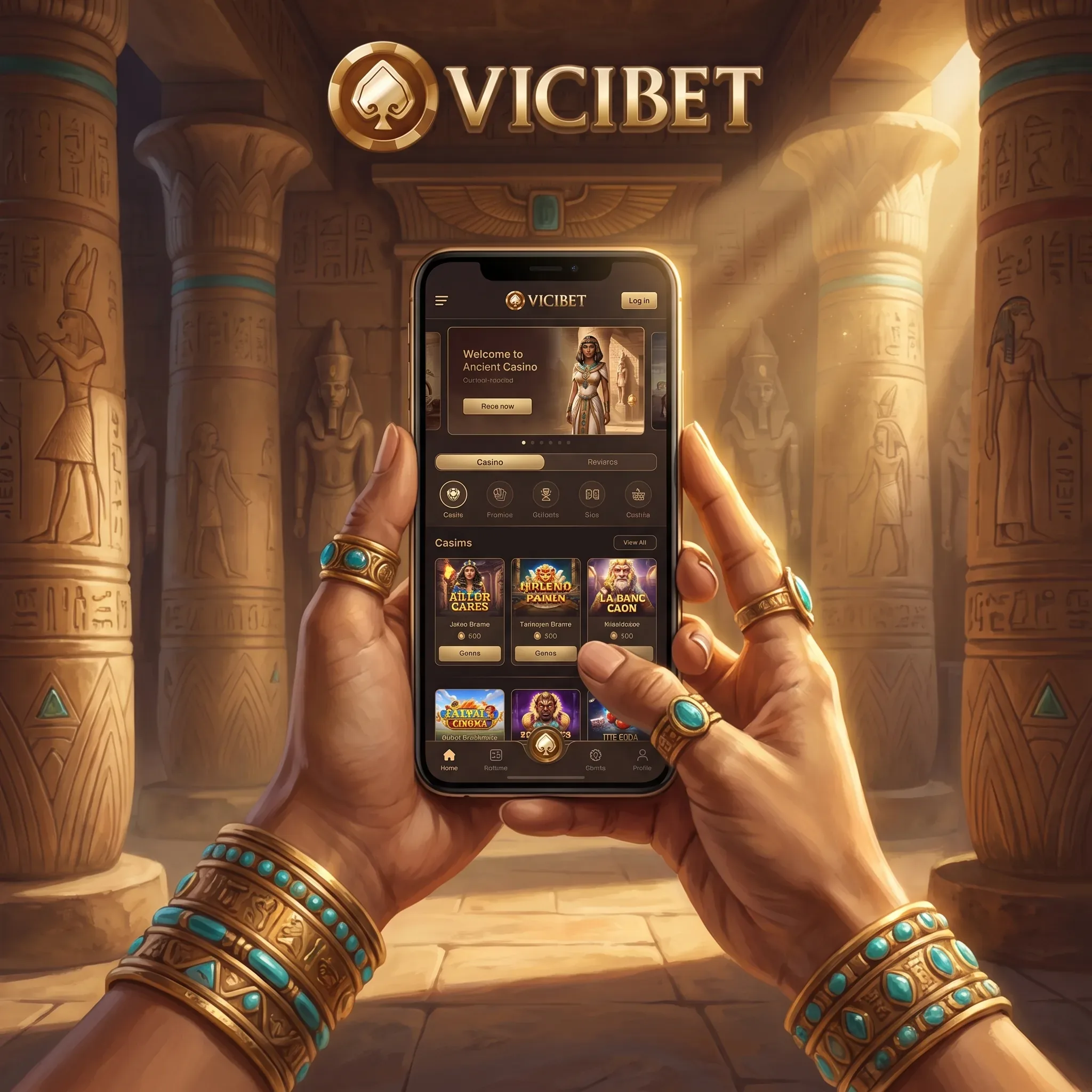
ViciBet mobile access carries the same account into casino games, sports markets, promotions, payments and support. You can use the mobile site in Safari or Chrome and add it to the home screen for app-style entry. Android players should follow only the installation route displayed inside the ViciBet account if an install package is offered. The mobile cashier still applies the same ownership, currency, verification and withdrawal rules as desktop access.
Add ViciBet to an iPhone Home Screen
Open ViciBet in Safari, sign in, tap the Share icon and choose Add to Home Screen. Confirm the name and icon. The shortcut opens the mobile site directly, while updates are served through the browser without a separate App Store update. Keep Safari cookies enabled for the session and use the same secure login credentials as on desktop.
 Play ViciBet on Mobile
Set Up Android Access
Open the site in Chrome, use the browser menu and select Add to Home screen or Install app when shown. If the account presents an Android package, open the official mobile section, check the file name and installation instructions, then follow the device prompts. Do not use an APK supplied through messages, adverts or third-party download pages.
| Device | Recommended route | Update method | Security check |
|---|---|---|---|
| iPhone or iPad | Safari home-screen shortcut | Browser-delivered | Confirm the ViciBet domain before login |
| Android browser | Chrome shortcut or install prompt | Browser-delivered | Use the browser’s site information panel |
| Android package | Account’s official installation route | Replace when instructed in the account | Reject files from external senders |
Casino Search Works Better with Specific Titles
The mobile lobby contains 11,368 games, including 9,405 slots. Search directly for Crack The Piggy Bank Express, Bonbon Pop 1000, Cash of Cleopatra 2, Freedom Fortune: Hold & Win, Ze Zeus, 12 Skulls of the Dead or Gemhalla Xtreme. Live players can open Mega Fire Blaze Roulette Live, Gravity Roulette, Gold Saloon Blackjack VIP, Vegas Roulette 500x, Candy Wheel and Adventures Beyond Wonderland Live. Rotate the screen only when the game interface recommends it and check the bet value again after changing orientation.
Build and Recheck a Mobile Bet Slip
The sportsbook covers 22 sports and esports. Choose decimal, fractional or American odds before adding selections. On live markets, reopen the bet slip after an odds change and verify the event, market, selection, price, stake and potential return before confirming. Football, tennis, basketball, ice hockey, cricket, Counter-Strike, League of Legends, Dota 2 and Valorant are among the available categories.
Payments on a Small Screen Need the Same Precision
The mobile cashier displays available methods and limits for the account currency. Common EUR deposits start at EUR 20; Bitcoin starts at EUR 30. Many withdrawals begin at EUR 30, while Bitcoin begins at EUR 60 and Ethereum at EUR 40. Copy crypto addresses carefully, select the correct network and compare the first and final characters before sending. A transfer to the wrong network cannot be corrected from the casino balance.
Upload Verification Files from the Phone
Use a clear camera image with all document edges visible. Avoid glare, blur, screenshots of edited files and cropped payment evidence. The request can include identity, address, payment ownership or source of funds. Requested evidence should be supplied within 30 days and a complete review is normally handled within 10 days.
Mobile Problems You Can Resolve Quickly
| Symptom | First action | Next check |
|---|---|---|
| Shortcut opens a blank page | Close it and reopen the site in the browser | Browser data and connection |
| Game freezes | Exit the game and reload the lobby | Available memory and game requirements |
| Live odds change | Return to the bet slip | Event, selection, new price and stake |
| Deposit remains pending | Do not repeat it immediately | Cashier history and payment status |
| Upload fails | Retake the image in good light | File type, size and visible edges |
| Login alert appears | Change the password | Contact support before funding |
Keep the Installed Route and Account Session under Control
Treat the home-screen icon or Android installation as a direct route to the same account, not as a second wallet. Sign out on a shared device, keep biometric or passcode protection active and never approve a login code requested through a chat message. Before a long session, confirm the account currency, active promotion and responsible-play limits from the mobile menu. These checks prevent a saved shortcut, an old browser tab or a changed network from turning a routine deposit into an account-support case.
FAQ
No. The same account, balances, promotions, VIP rank and verification status apply across supported devices.
Yes. Add the site to the home screen from Safari for direct app-style access.
Use only the Android installation route displayed inside the official ViciBet account or mobile section.
Game behaviour depends on the title, browser, screen and device resources. Use each game's mobile interface and information panel.
Yes. The same method, ownership, KYC, VIP and pending-request rules apply.
Live prices move with the event. Recheck the displayed odds and potential return before confirming.
Open 24/7 live chat from the menu or email [email protected] with the account email, device, browser and a precise description of the step.